
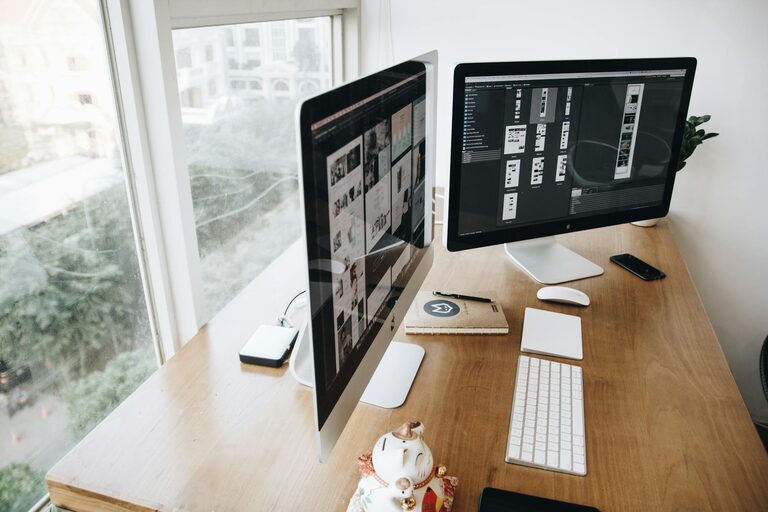
Creating a well-organized, clutter-free workspace at home is essential for productivity, focus, and mental clarity. Whether you work remotely full-time or occasionally need a dedicated spot to concentrate, an organized area helps reduce distractions and gives your mind the space it needs. This guide will take you through practical tips and strategies to design and maintain an efficient, pleasant home office environment.
Why Organize Your Home Workspace?
A cluttered desk or room can increase stress and decrease productivity. When your workspace is tidy and everything has its place, it is easier to focus, find what you need, and feel motivated. Organizing your workspace isn’t only about cleanliness—it’s about creating a setup that supports your work habits and well-being.
Start with a Clean Slate
Begin your journey to a clutter-free workspace by removing everything from your desk and surrounding area. It might feel overwhelming, but starting fresh allows you to rethink what belongs in your workspace.
– Sort items into categories: Keep, relocate, or discard.
– Digitize paperwork: Scan important documents to reduce paper.
– Clean your surfaces: Dust and wipe down your desk, shelves, and equipment.
Choose the Right Furniture and Layout
Your desk and chair are the foundation of your workspace. Select furniture that fits your needs and space, providing comfort and enough surface for your work materials.
– Ergonomic chair: Supports good posture.
– Desk size: Enough room for your computer, tools, and a bit of extra space.
– Natural light: Place your desk near windows if possible for better mood and energy.
– Cable management: Use clips or boxes to keep wires hidden and untangled.
Use Smart Storage Solutions
Effective storage helps keep your workspace tidy and your tools accessible.
– Drawers and organizers: Use them to separate stationery, gadgets, and documents.
– Shelves: Store books or decorative items to reduce desk clutter.
– Boxes and bins: Label them for easy identification of contents.
– Vertical space: Use wall-mounted organizers or pegboards to free up desk area.
Organize Your Digital Space Too
A clutter-free digital workspace complements the physical one.
– Clean your desktop: Remove unnecessary files and folders.
– Use cloud storage: For backups and easy access.
– Organize emails: Create folders and unsubscribe from unwanted newsletters.
– Plan with apps: Digital calendars and to-do lists keep you on track.
Develop Daily Habits to Maintain Order
Consistency is key to keeping your workspace clutter-free.
– End-of-day tidy-up: Spend 5-10 minutes putting things back in place.
– Prioritize items on the desk: Keep only immediate necessities within reach.
– Limit personal items: A few inspirational photos or plants are nice but avoid excess.
– Regular decluttering: Schedule time monthly to re-evaluate what’s needed.
Personalize with Purpose
While keeping the space functional, adding personal touches can create a welcoming atmosphere that inspires productivity.
– Plants: Bring life and improve air quality.
– Lighting: Desk lamps or ambient lighting reduce eye strain.
– Art or motivational quotes: Visual inspiration fosters creativity.
– Comfort items: A cushion or footrest increases comfort during long sessions.
Tips for Small Spaces
If your home workspace is limited, try these ideas to maximize the area:
– Foldable desks: Save space when not in use.
– Multi-purpose furniture: Use storage ottomans or desks with built-in shelves.
– Wall-mounted monitors: Free up desk space.
– Use corners: Fit desks or shelves in often-overlooked corners.
Conclusion
Organizing a clutter-free workspace at home is a rewarding process that can positively impact your workday and mindset. Through thoughtful furniture choices, smart storage, digital decluttering, and good daily habits, you can create a space that is both functional and inspiring. Start small and adjust your system to what works best for you. A tidy workspace isn’t just about looks—it’s a foundation for success.